Work offline and sync your data
The Billr app on your iPhone or Android phone works offline. You keep tracking time and writing invoices, and Billr syncs your changes as soon as you have a connection again.
Updated

What works offline
In the app on your phone almost everything works without a connection. Billr keeps your data on the device, so you can:
- track time with the timer or add hours by hand
- add and edit clients, projects, tasks and items
- create and edit invoices and quotes
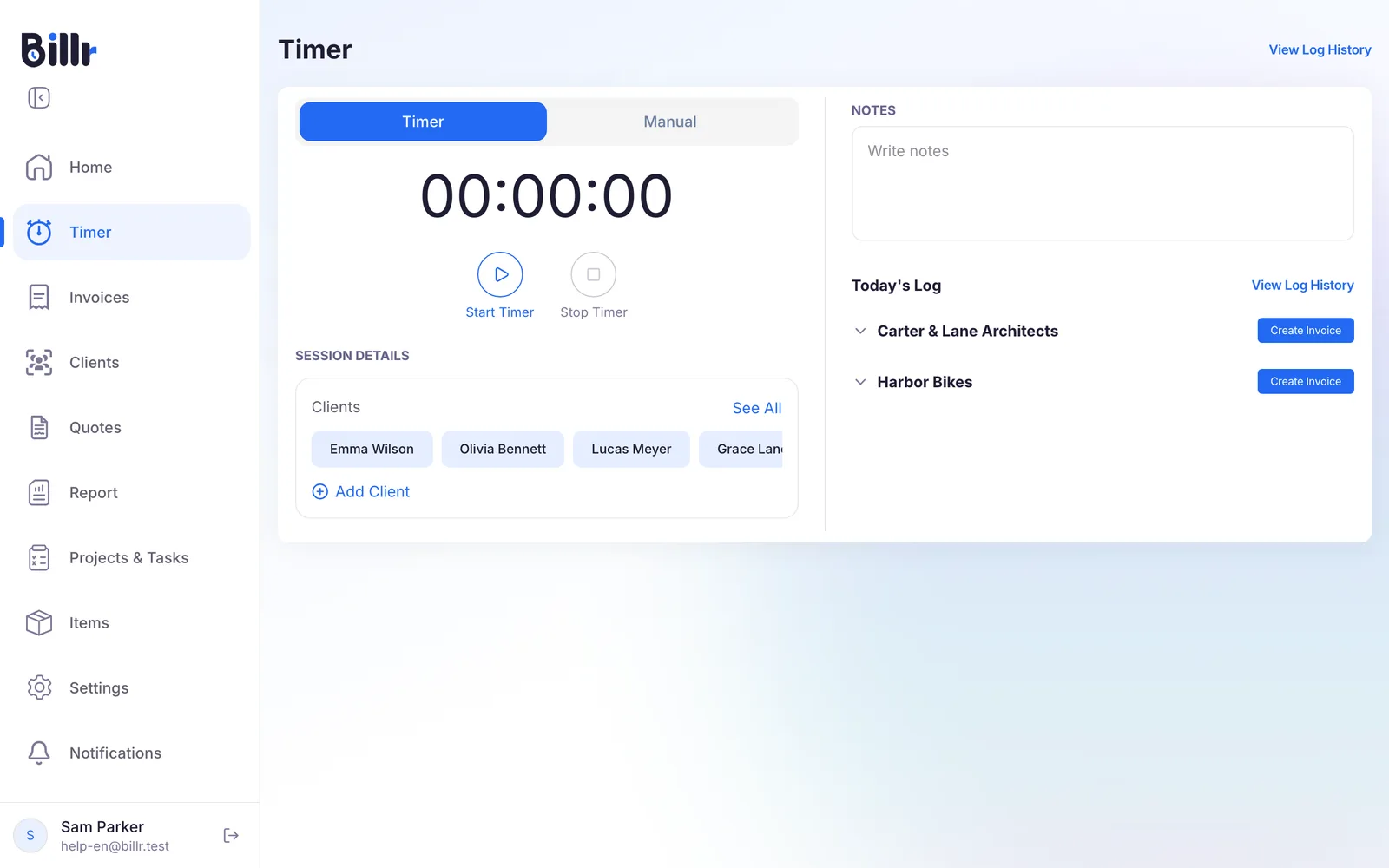
When you lose your connection, a bar at the top of the screen says You're offline. Changes will sync when you reconnect.
Working offline is something the app does. The web app at https://app.billr.cloud needs a connection.
What needs a connection
Anything that has to leave your device waits until you are online again:
- sending an invoice or a quote by email
- online payments by your client
- inviting team members, or changing who works on a project
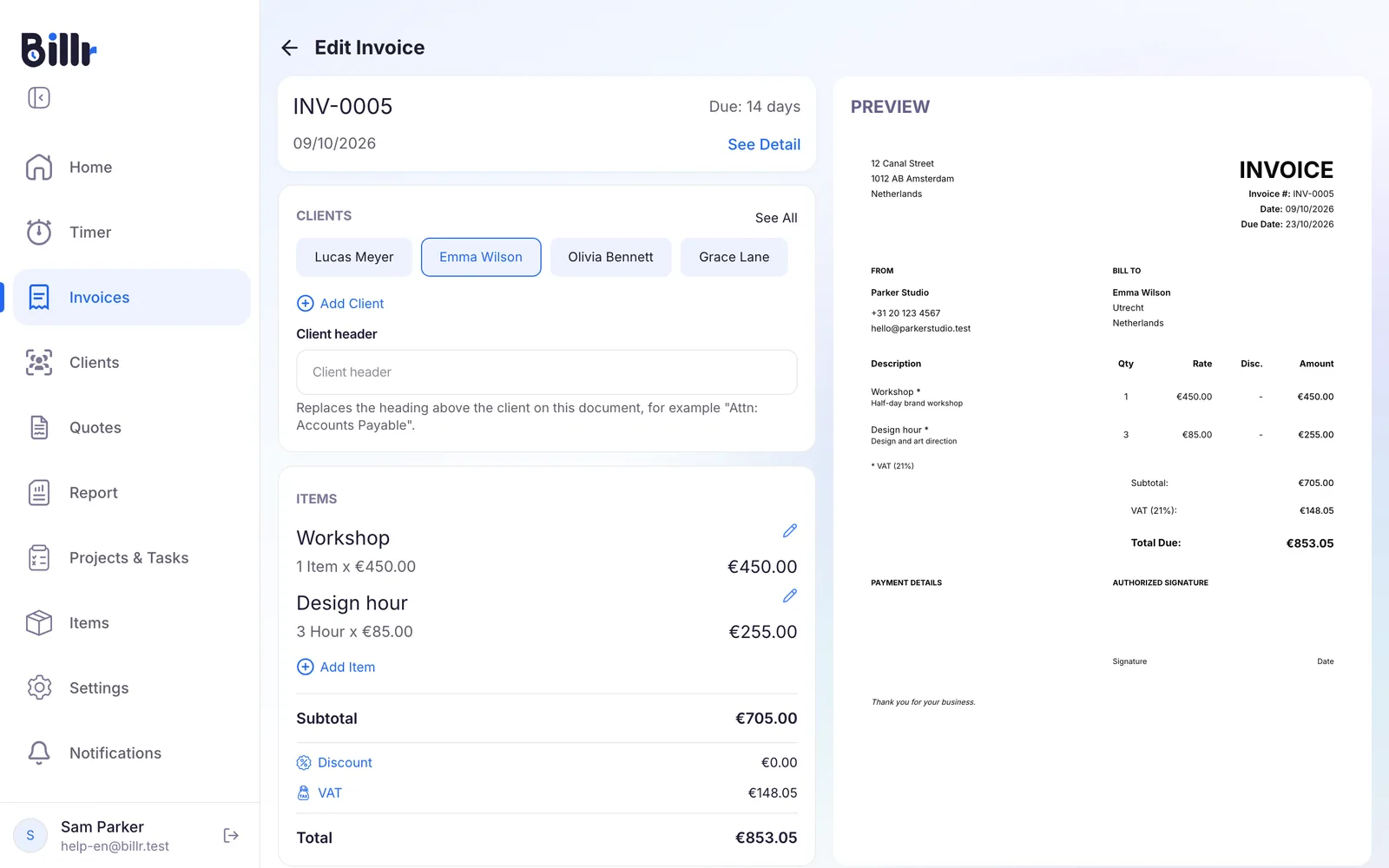
So write the invoice on the train and choose Send Invoice once you have a connection.
How your changes sync
You do not have to press anything.
- Billr remembers every change you make offline, in the order you made it.
- As soon as there is a connection again, Billr sends those changes, oldest first.
- When everything is through, you see Offline changes synced.
If the same record was changed in two places, the most recent change wins. If a change cannot be saved after several tries, Billr tells you, rather than dropping it silently.
Billr keeps up to 200 offline changes waiting. If you work offline for a long time and change a lot, connect now and then so the oldest changes are not pushed out.
Your phone and your laptop
Your data goes where you go: sign in on another device and your clients, invoices and time entries are there. One Billr account is active on one device at a time, though.
- When you sign in somewhere else, Billr asks the active device to confirm. A running timer there is stopped and saved.
- If that device does not answer, you can choose Sign in anyway. The other session is then closed.
Working with someone else? Do not share your Billr account; invite them to your team instead. More about your Billr account and where your data lives is in Your Billr account and privacy.
Frequently asked questions
What can I do without a connection?
Almost everything. Tracking time, adding clients, projects, tasks and items, and creating and editing invoices and quotes all work offline; the app shows a banner saying you are offline. What does need a connection is anything that leaves your phone: mailing an invoice or quote, online payments, and inviting teammates. Do those once you are back online.
When does my offline work sync?
Billr keeps your changes on the device and sends them as soon as it sees a connection again, in the order you made them. If the same record was changed in two places, the most recent change wins. You do not have to press anything. In the rare case that a change cannot be saved after several tries, the app tells you rather than dropping it silently.
Can I use Billr on my phone and my laptop at the same time?
Your data goes where you go, but one account is active on one device at a time. When you sign in somewhere else, Billr asks the active device to approve it and stops and saves any running timer there. If that device does not answer, you can sign in anyway, and the other session is closed. Sharing one Billr account with someone else therefore does not work; invite them to your team instead.